Multilayer Zirconia Explained: Layers, Nesting and Best Uses
Multilayer zirconia has changed how dental laboratories make monolithic restorations. Instead of coloring white zirconia by hand, the shade and translucency gradient is already built into the disc. To get the most out of it, you need to understand how the layers are arranged and where to place each restoration inside the disc. This guide covers both, and helps you choose the right multilayer disc for each case.
What is multilayer zirconia?
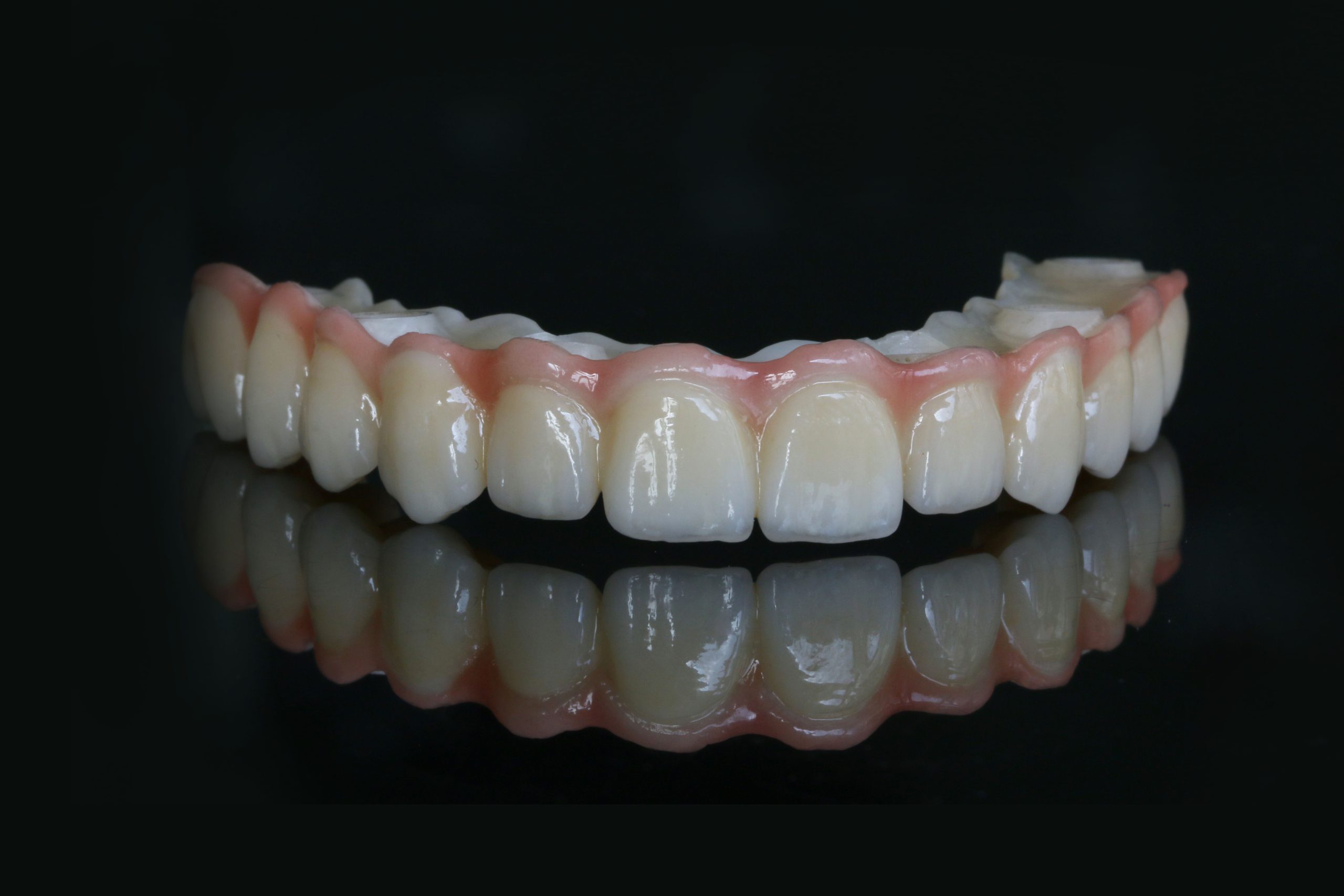
A multilayer disc is pressed from several zirconia powders stacked in layers. From the cervical side to the incisal side, the material gradually changes so that the restoration imitates a natural tooth: more chroma and opacity at the neck, more translucency and a lighter shade at the incisal edge.
There are two main kinds:
- Shade-gradient discs use the same zirconia type in every layer and only change the pigments. Strength is the same throughout.
- Strength-gradient (hybrid) discs combine different yttria levels, for example a strong 3Y body with a translucent 5Y incisal layer. Shade, translucency and strength all change from bottom to top.
If you are not sure what 3Y, 4Y and 5Y mean, read our guide 3Y vs 4Y vs 5Y zirconia first.
How the layers work together
- Cervical (body) zone: highest chroma and, in hybrid discs, the highest strength. This is where connectors and occlusal loads should sit.
- Transition zone: the shade and translucency change smoothly, without visible lines.
- Incisal zone: lightest shade and highest translucency, for a natural incisal edge.
Positioning (nesting) restorations in the disc
With multilayer zirconia, where you place a restoration in the disc decides how it will look. A crown nested high in the disc takes more of the translucent incisal layer; the same crown nested low takes more of the chromatic body. Follow these rules in your CAM software:
- Respect the disc orientation. Check the marking on the disc and in the CAM library so the incisal side of the disc matches the incisal edge of the restoration. A disc milled upside down gives a dark incisal edge.
- Use the vertical position to fine-tune the shade. Move the restoration up for a lighter, more translucent result, or down for more chroma.
- Keep load-bearing areas in the strong zone. In hybrid discs, place bridge connectors and posterior occlusal surfaces in the stronger body layers, not in the translucent incisal layer.
- Nest a bridge as one unit. Keep all units of a bridge at a similar height so every tooth gets the same part of the gradient.
- Choose the right disc thickness. The restoration should use the full gradient. A crown that fits easily in a 14 mm disc may only reach the body layers in a 25 mm disc.
Which multilayer disc for which case?
| Disc | Composition | Strength / translucency | Best for |
|---|---|---|---|
| UPCERA DUO | 3Y + 5Y | 850–1,200 MPa / 45–48% | One universal disc, from anterior crowns to full-arch bridges |
| UPCERA Explore Functional | 3Y to 4Y gradient | 1,027–1,300 MPa / 43–46.6% | Posterior work, long-span and full-arch bridges |
| UPCERA Explore Esthetic | Esthetic gradient | 727–1,000 MPa / 47–48.8% | Anterior and premolar crowns with high esthetic demands |
| UPCERA Aevra | 4Y to 5Y gradient | see data sheet / 46–50% | High-esthetic anterior work and thin restorations |
Explore Functional and Explore Esthetic are color-matched, so you can use Functional for a posterior bridge and Esthetic for the anterior crowns of the same patient.
Finishing multilayer restorations
- Stain lightly. The gradient already does most of the work; a few touches of stain on fissures and the incisal third are usually enough.
- Glaze or polish. A thin glaze layer or a high polish both work; keep the glaze thin so the translucency stays visible.
- Use the right sintering program. The DUO, Explore and Aevra discs sinter at 1,480 °C. Always follow the manufacturer’s full program.
Common mistakes with multilayer zirconia
- Nesting the restoration too low and getting a dark, opaque result
- Placing bridge connectors in the translucent incisal layer of a hybrid disc
- Nesting the units of one bridge at different heights, so the teeth do not match
- Covering the natural gradient with heavy stain or a thick glaze
- Grinding a lot after sintering and removing the translucent incisal layer
As the official UPCERA partner in Saudi Arabia, we can help you choose between DUO, Explore and Aevra for your cases. Add the discs you need to your quote request, or send us your questions on WhatsApp.
Frequently asked questions
Is multilayer zirconia strong enough for posterior bridges?
It depends on the disc. Strength-gradient discs with a 3Y body, such as UPCERA Explore Functional or DUO, are designed for posterior and full-arch bridges, as long as the connectors are placed in the strong body layers.
Why does my multilayer crown look too dark?
Usually the restoration was nested too low in the disc, so it only received the chromatic body layers. Move it higher in your CAM software, check the disc orientation, and check that you used the right disc thickness.
Do I still need coloring liquids with multilayer zirconia?
Normally not. Multilayer discs are pre-shaded in VITA shades with a built-in gradient, so a little stain and a glaze or polish are usually enough.
What is the difference between UPCERA DUO and Explore?
DUO is a single universal 3Y + 5Y disc for almost every indication. Explore comes in two color-matched versions: Functional for strength-critical cases and Esthetic for high-esthetic cases.
At what temperature is multilayer zirconia sintered?
It depends on the product. UPCERA DUO, Explore and Aevra sinter at 1,480 °C. Always use the manufacturer’s complete program, including heating and cooling rates.